The setup
Setup, step by step
Download taskr and create your family
Download taskr free on your iPhone, sign up as the parent, and create your family. You'll get a family code — your kids use it to join from their own devices.
Add your child to Family Sharing
taskr runs on Apple Family Controls, which needs your child in your Apple Family. If you haven't set it up yet:
- On your device, go to Settings → Your Name → Family
- Tap Add Member and invite your child's Apple ID
- Once they accept, Family Sharing is active
On your iPhone
Settings → Your Name → Family
Set a Screen Time passcode
On your child's device, open Settings → Screen Time and set a parent-only passcode so the rules stick:
- Tap Use Screen Time Passcode
- Create a parent-only passcode
- Enter your Apple ID when asked (this lets you recover it)
On your child's iPhone
Settings → Screen Time → Use Screen Time Passcode
Authorize Screen Time in taskr
In taskr on your child's device, tap Ask for Screen Time access, then approve the iOS popup with your parent Apple ID. This is the one tap that lets taskr lock and unlock apps.
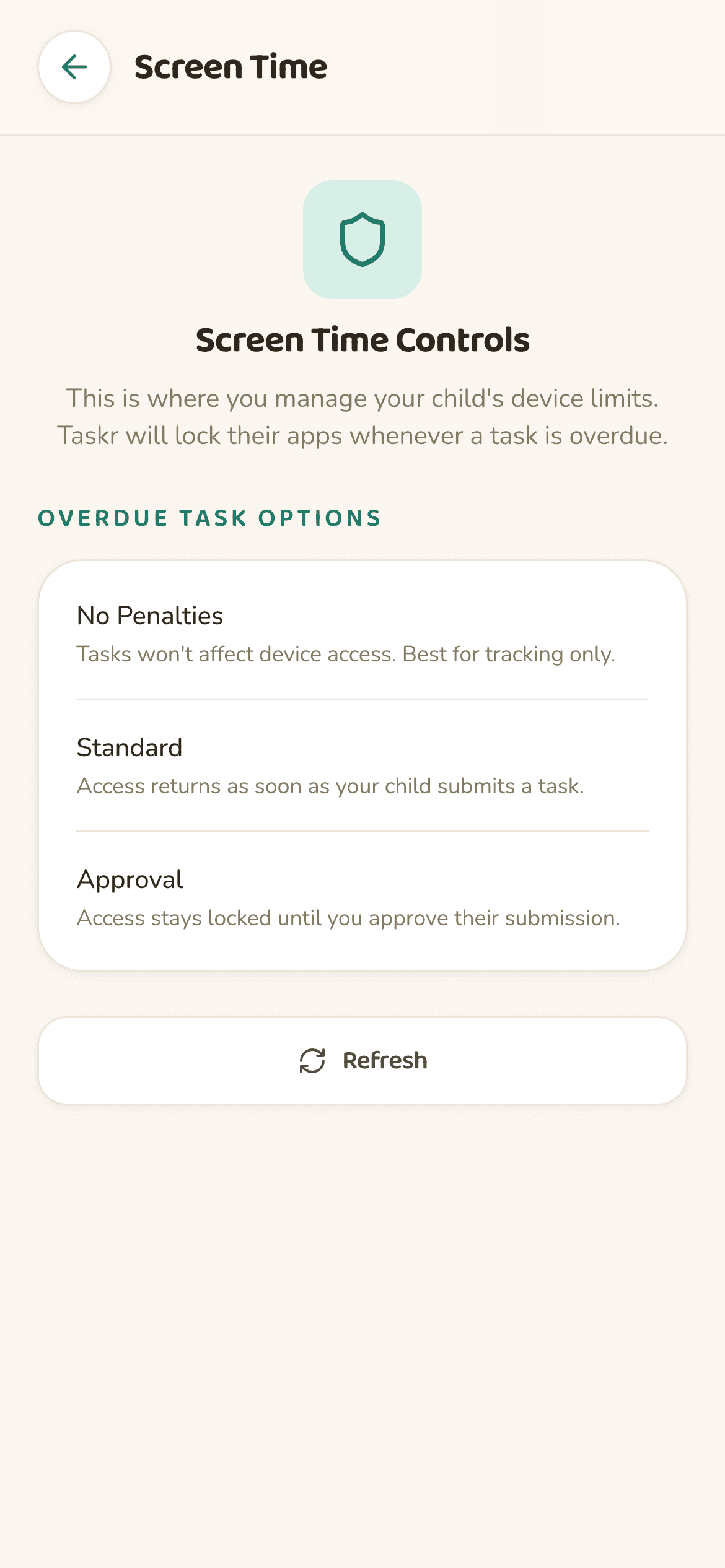
Set their device as primary
Still on your child's device: open taskr → Settings → Screen Time Settings, then under Primary Device tap Set This Device as Primary.
What “Primary Device” means: it tells Apple which device Screen Time rules should enforce. Without it, limits may not apply correctly.On your child's iPhone
taskr → Settings → Screen Time Settings → Set This Device as Primary
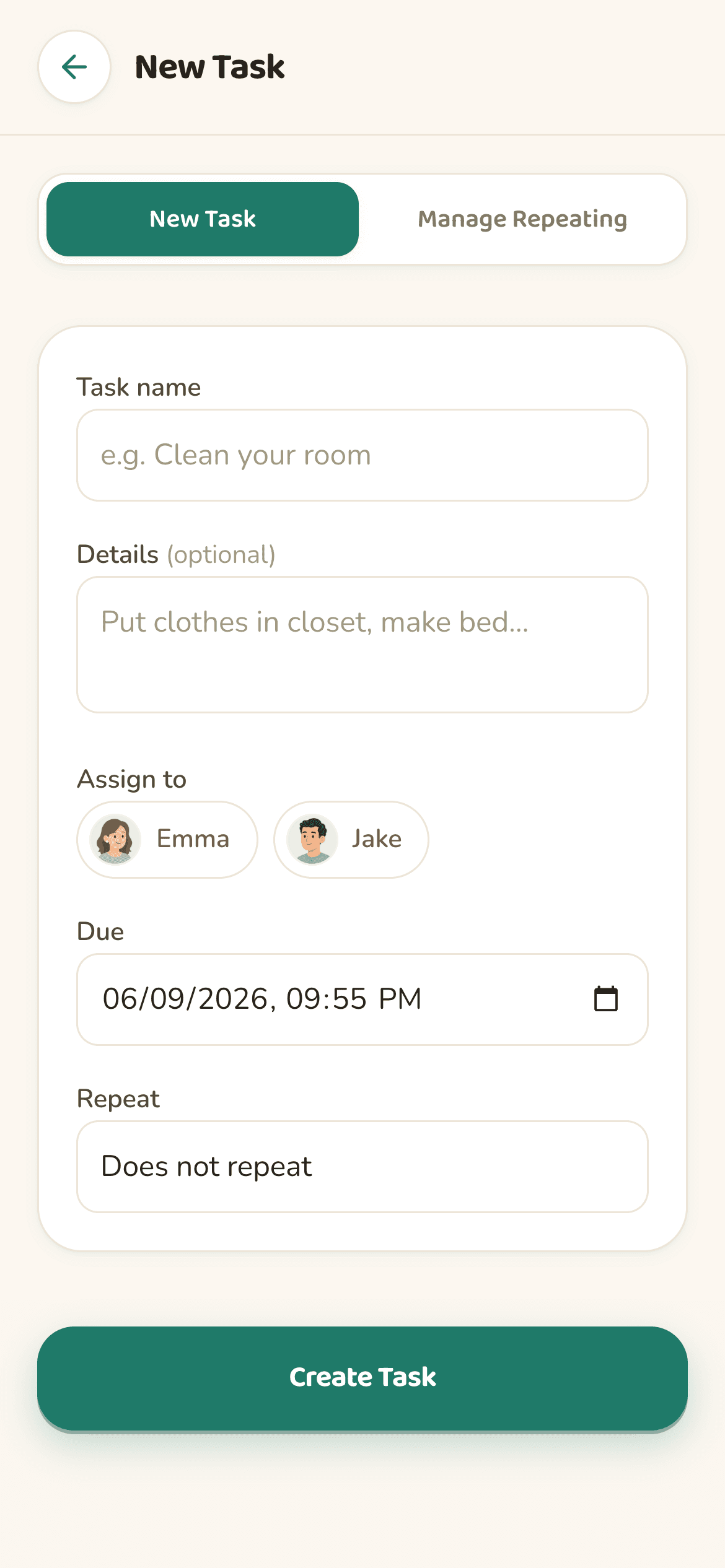
Create your first task and manage from your phone
Back on your iPhone, add a chore with a due time, pick the apps that lock if it runs late, and watch the dashboard do the rest — photo proof, approvals, and live status included.
Optional security
RecommendedThese settings stop your child from bypassing taskr. They live in the iOS Settings app on your child's device — taskr can't change them for you.
Disable Background App Refresh
Settings → Screen Time → Content & Privacy Restrictions → Background App Refresh
Set to “Don't Allow”
Disable App Deletion
Settings → Screen Time → Content & Privacy Restrictions → iTunes & App Store Purchases → Deleting Apps
Set to “Don't Allow”
Keep Share Across Devices on
Settings → Screen Time → Share Across Devices
Leave switched on
The daily flow
A day with taskr
4:00 PM
Homework is due at 5:30. Apps stay open. taskr does nothing.
5:30 PM
Homework is overdue. taskr triggers Screen Time. The games and social apps you picked are locked.
5:55 PM
Your kid finishes, opens taskr, snaps a photo of their worksheet, submits.
5:56 PM
You get a notification, tap Approve. Apps unlock. Done.
Want more setups like this? See how parents use it as a chore app for kids, or read how it fits into screen time rules for kids.
FAQ