Open until it's overdue
Apps stay open until a chore's deadline. If it passes without an approved photo, the apps you chose lock until you approve the photo. Cause and effect kids understand.
Apps stay open until a chore's deadline. If it passes without an approved photo, the apps you chose lock until you approve the photo. Cause and effect kids understand.
Kids prove the chore is done with a photo, not a promise. Approval is one tap.
Built on Apple Family Controls, the Apple framework built for consumer parental-control apps. No jailbreak and no MDM profile.
Start with the rules, not the app. The American Academy of Pediatrics suggests making a Family Media Plan. Its guide to making one recommends rules that fit your family's routines and that you talk through with your kids. Its examples include screen-free zones such as the dinner table, homework time, and before bed, and keeping room for reading, outdoor play, and hobbies. It also suggests a plan for every member of the family, parents included.
Keep each rule concrete enough that a kid can follow it without asking. “Less screen time” is hard to act on; “homework is done by 5:30, or games lock until it is” is not. The AAP also suggests revisiting the plan as kids grow, for example at the start of each school year or over summer break.
taskr covers one part of that plan: the chores-and-homework rule. Each chore gets a deadline and its own list of apps to lock, so the rule you agreed on runs without reminders. Downtime, app limits, and content filters stay in Apple Screen Time, and the rest of the plan stays a family conversation.
Kids don't fight Screen Time because it's on. They fight it because it feels arbitrary. A 6 PM downtime cuts off a game in the middle of a match for no reason the kid can see.
Tie the block to a chore and the rules change: there is a clear, visible reason for the lock, and a clear path back. Kids stop arguing with the parent and start working on the task.
taskr automates the loop: if a task is overdue, Screen Time blocks the apps you chose. The moment the parent approves a photo, the apps come back. No manual settings flips required.

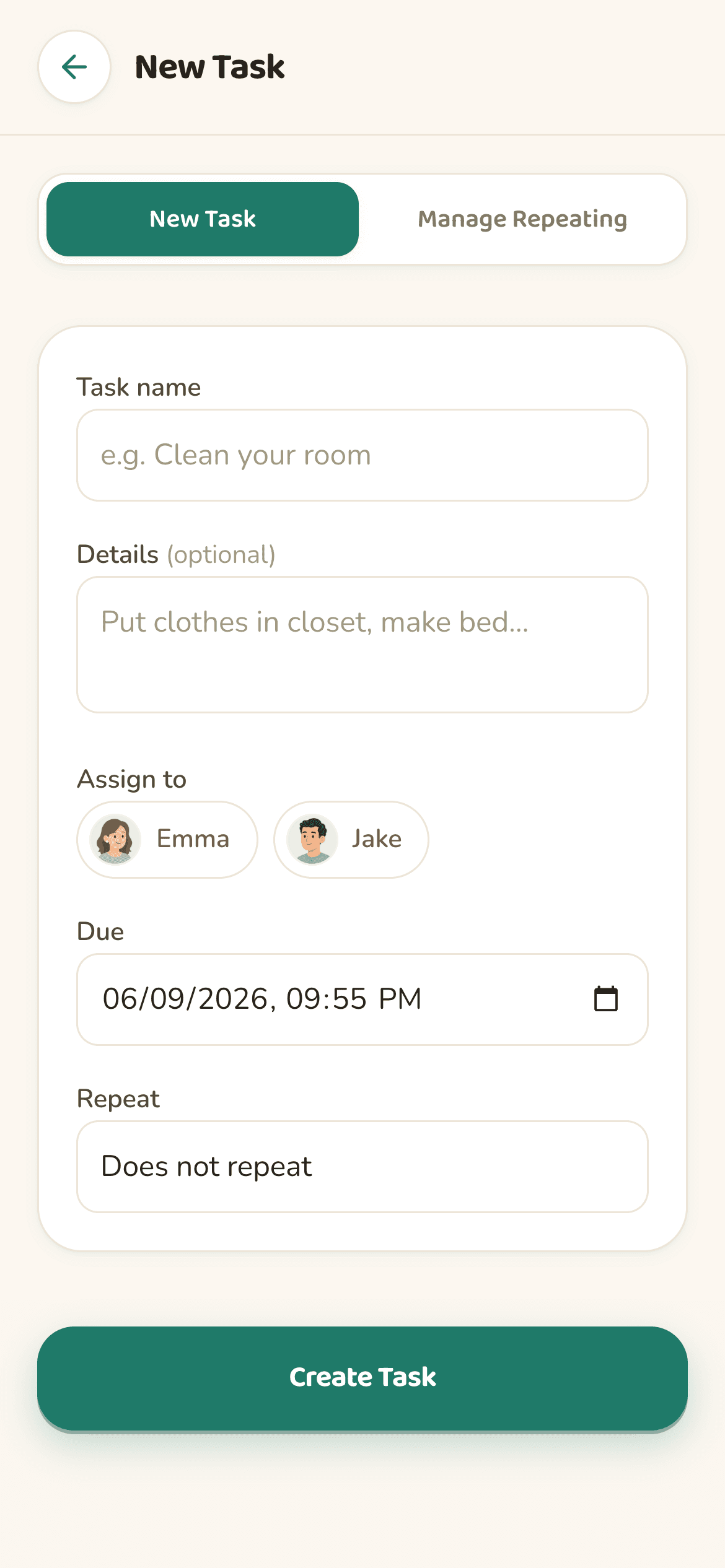
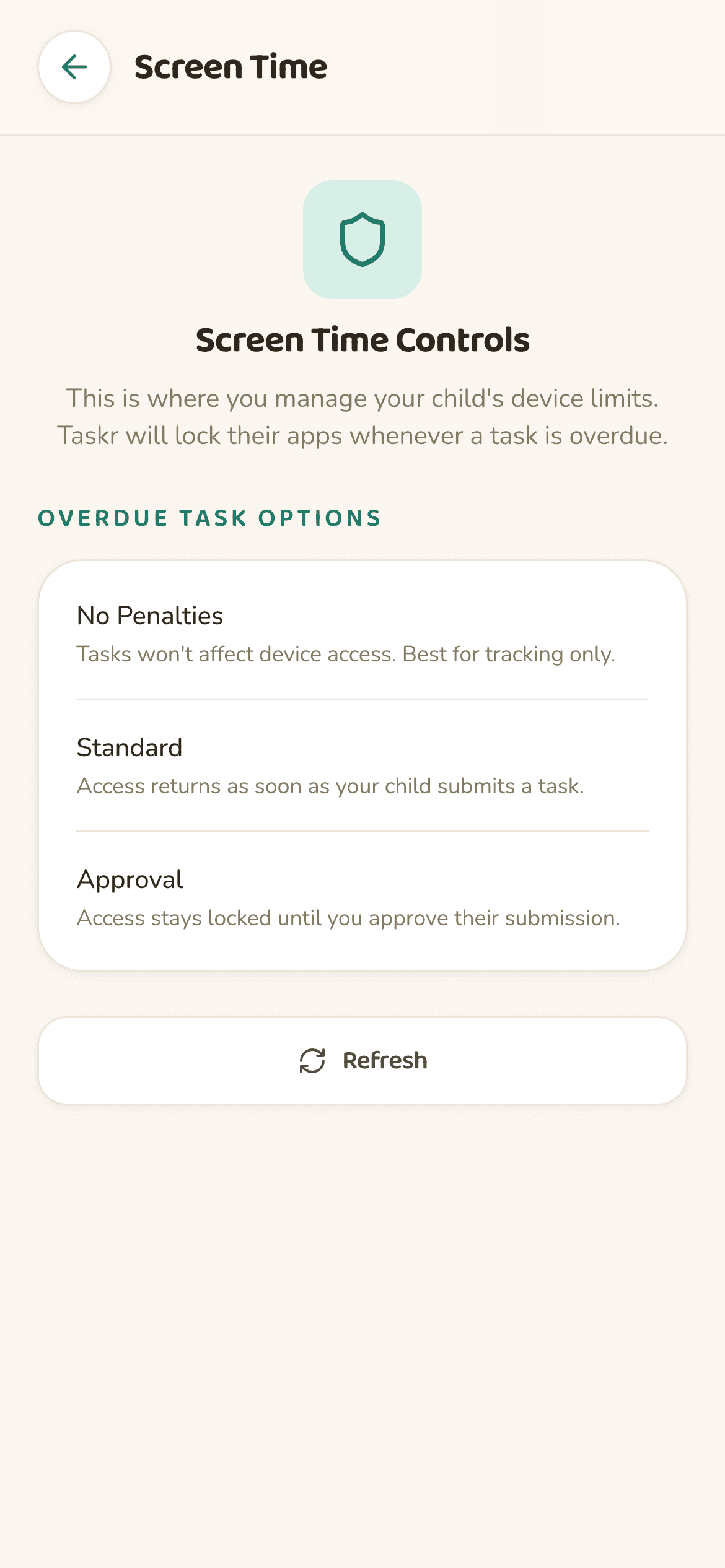
If your goal is to make screen time conditional on chores or homework being done, taskr is built for that. It runs on Apple Family Controls, the Apple framework built for consumer parental-control apps, and ties every Screen Time block to a specific task. Apple's built-in Screen Time is great for blanket limits and downtime; taskr is what you add when you want app access to depend on real-world behavior.
On the parent device: Settings → Family → tap your child → Screen Time. From there you can set Downtime, App Limits, Communication Limits, and Content & Privacy Restrictions. To add a chore-based layer on top, install taskr — it triggers the same Screen Time blocks automatically when a task goes overdue and lifts them when the parent approves a photo.
Yes. With Apple Screen Time you can use App Limits and Always Allowed to lock games or social apps while keeping calls, messages, and school apps open. taskr does the same thing on a per-task basis — for example, blocking TikTok and Roblox specifically when homework is overdue.
Screen Time enforces clocks. It doesn't know what your kid is supposed to be doing right now. If you've ever manually changed Screen Time settings because a chore wasn't done, that gap is what taskr fills.
Create the chore as a task in taskr with a due time, pick which apps Screen Time should lock if it's late, and require photo proof. Apps stay open if the chore is done on time. If it's overdue, the apps lock until you approve the photo. That's screen-time-as-a-reward, automated.
Yes — it requires it. taskr's Screen Time controls run through Apple Family Controls, which sits on Family Sharing. Set up your Apple Family in Settings on iPhone, then install taskr to layer chore-based blocks on top.
Want your kid to earn screen time instead? Here is how that model differs. Or see the exact steps to block Roblox, TikTok, and YouTube on an iPhone.
Free on the App Store. Built for iOS families.